How much does it cost for AI to read an invoice (and how we cap it)
The real cost of automating invoices with AI isn't just tokens. How we measure per-operation cost, the levers that lower it, and why human review is part of the formula.
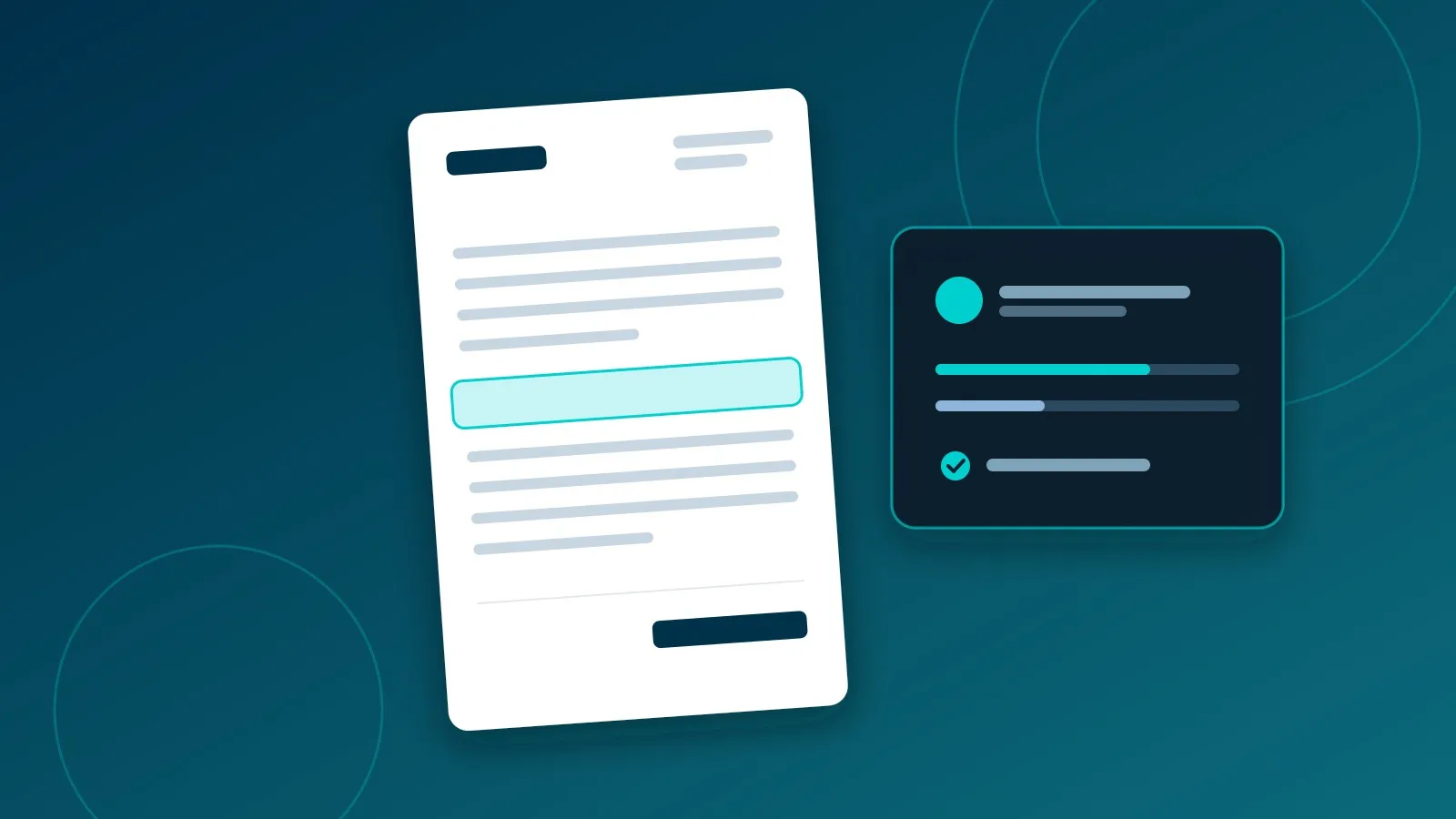
“And how much is the AI going to cost me?” is the first question we are asked, and the honest answer is that it depends on how the system is designed. Some invoice automations cost mere cents per document, while others using the exact same foundation model cost significantly more.
We can explain this through our purchasing agent, which receives invoices via email, parses them, classifies each line item for accounting, and posts them directly into the ERP.
What the agent does with each invoice
- Receives the document by email and places it in an ingestion queue.
- Extracts structured data (vendor, VAT/tax ID, dates, line items, totals, and taxes) using OCR alongside a language model.
- Classifies each line item: determining whether it is merchandise, raw material, internal operating expense, or fixed asset, and assigning the corresponding account from the Chart of Accounts.
- Validates against the ERP: confirming the vendor exists, amounts balance, and the document is not a duplicate.
- Asks a human operator whenever confidence is low, instead of hallucinating.
- Learns from each human correction to avoid asking the same question again.
Each step carries a different cost, and not all of them stem from AI inference.
The cost: what is visible and what is hidden
What is visible: token consumption
Language models bill for input tokens (prompts and context sent) and output tokens (generated completion). For each invoice:
AI cost = input tokens × input price + output tokens × output price (+ OCR cost per page)
In our production setup, processing a typical invoice costs an average of €0.28 (measured across more than 300 invoices between August and October 13, 2026). However, focusing solely on this figure misses the bigger picture.
What is hidden: the reviewer’s time
An invoice processed by AI for a few cents that subsequently demands three minutes of human review does not cost a few cents. That is why we track three metrics together:
- AI cost per invoice: tokens and OCR compute.
- Touchless processing rate: the percentage of invoices that reach the ERP without the agent needing human clarification—the single best indicator of whether the system is learning.
- Human review time per flagged invoice: how many seconds it takes an operator to resolve a query.
A slightly more expensive model with higher accuracy often ends up cheaper overall because it drastically reduces human review overhead.
Five architectural levers to cap costs
1. Small models for routine tasks, large models for complex edge cases. Classifying a standard supplier line item does not require an ultra-high-parameter model. We route typical cases to a fast, lightweight model and only escalate to a larger model when confidence scores drop below a calibrated threshold.
2. Never query the model for what you already know. If a vendor consistently bills for “Logistics & Freight” and that charge always routes to the same general ledger account, that business rule is cached. Next time, the agent skips the LLM call entirely: the resolution is instantaneous and free. Over time, an increasing share of line items is resolved deterministically.
3. Inject only strictly necessary context. Every supplementary document dumped into a prompt “just in case” gets billed on every single invoice. Context must be selectively curated: company business scope, active chart of accounts, and historical vendor transactions—nothing extraneous.
4. Enforce structured outputs. We prompt the model for strict JSON complying with a fixed schema rather than free-form text. This minimizes output token overhead, eliminates parsing ambiguities, and surfaces validation errors immediately at schema evaluation rather than downstream in accounting.
5. Enforce per-operation spend ceilings. Every document has a maximum token budget. If an anomalous file causes a spike in consumption (such as an unexpected 40-page contract), the pipeline halts and routes the file for manual triage rather than running up cloud charges.
Human-in-the-loop is not a failure; it is by design
Our purchasing agent asks when uncertain. This prevents the truly expensive mistake: an erroneous journal entry committed silently that remains undetected until financial year-end closing.
The critical factor is making clarification effortless. When the agent is uncertain, it presents its best hypothesis along with its rationale; the operator simply confirms or adjusts it with a single click. That adjustment is saved, and future invoices of the same pattern are processed autonomously.
The impact is substantial. When we launched in June, only 7% of invoices cleared into the ERP without operator intervention. Today, after several months of feedback loops, the touchless rate is approximately 33%. The remaining two-thirds do not represent system failure: they are quick questions resolved by team members in seconds, which the agent will not need to ask again. We do not promise 100% autonomous perfection; we promise that every doubt is resolved rapidly and permanently absorbed.
We should be precise about what this metric tracks: it measures that the agent did not hesitate, not that it skipped validation. Deterministic ERP verification (vendor lookup, tax totals arithmetic, duplicate hash detection) runs unconditionally on every document, whether the agent asked a question or not.
What to quantify before automating
If you are evaluating automating invoice processing—or any document-heavy workflow—gather these baseline figures before writing any code:
- Monthly document volume and current manual processing time per file.
- Current error rate and the operational cost of correcting mistakes downstream.
- Percentage of standard routine documents versus rare edge cases.
With these three data points, you can calculate with engineering precision whether the automation pays for itself and its exact payback period.
Key takeaways
- Token pricing is only one component of the equation: human review time must be factored into the true operational cost.
- Task-specific model routing, deterministic rule caching, lean context prompts, and hard spend limits prevent budget overruns.
- The decisive business metric is how many manual hours your team gets back.
Do you have a document workflow consuming hours of manual work every week? Get in touch and we will estimate the automation cost. If you are starting your journey, read where to start digitizing a business.
Related articles
AI glossary in one image: token, embedding, RAG, agent, harness, and MCP
Six essential artificial intelligence concepts explained with technical clarity: how text is tokenized, vectorized, retrieved, and connected to external tools.
What is an LLM? Architecture, mechanics, and production limits
What a large language model (LLM) is, how it processes tokens through transformers, its real hallucination and context limits, and how to integrate it in production systems with RAG.
Digitizing a business in the Balearic Islands: where to start
When your business revolves around seasonality, digitization isn't about buying bloated software. How to pick the first process, measure it, and automate without halting operations.